Training & Tutorials — For Utilities
Utility administrator tutorials for customizing interconnection, catalogs, and forecasting.
Forecasting Overview
Gridtwin forecasting tools help utilities predict where, when, and how distributed energy resources are most likely to be developed.
- Forecast development across millions of potential projects
- Account for economics, policy, and grid constraints
- Model year-over-year deployment scenarios
- Understand interconnection impacts before projects are built
Steps
- Confirm objectives for the forecast
- Identify datasets and assumptions
- Review reporting needs
- Plan the end-to-end run

Step 1: Gather and Standardize Data
Forecasting begins with assembling standardized datasets and optional utility-specific inputs.
- Parcel boundaries and land-use classifications
- Environmental and conservation restrictions
- Distribution feeders and substation models
- Hosting capacity, DER queue, and cost catalogs
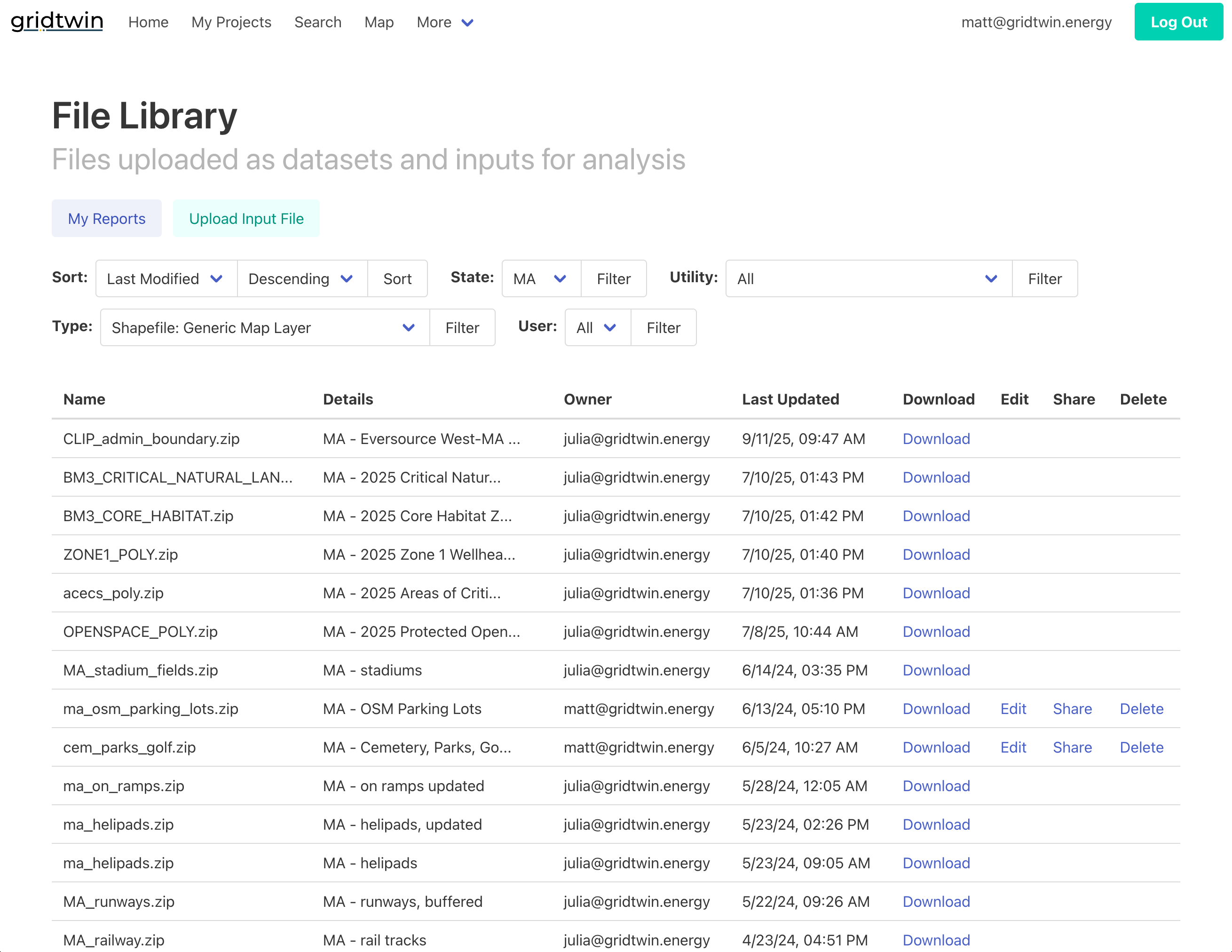
- Optional uploads: environmental shapefiles, parcels, or project datasets
Steps
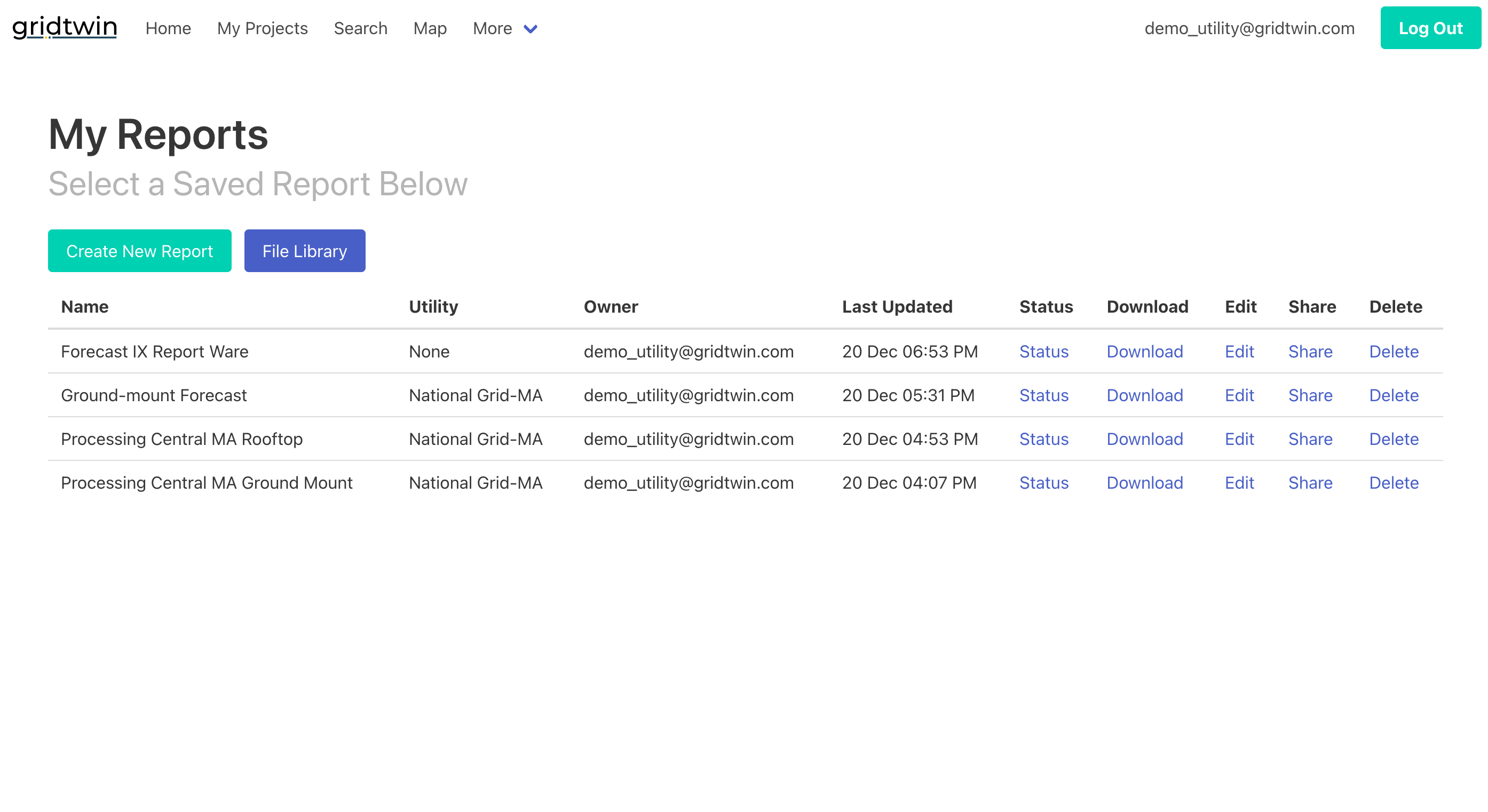
- Gather required standard datasets
- Collect utility-specific inputs
- Validate schemas and geographies
- Load data into the workspace
Step 2: Project Characterization and IRR Calculation
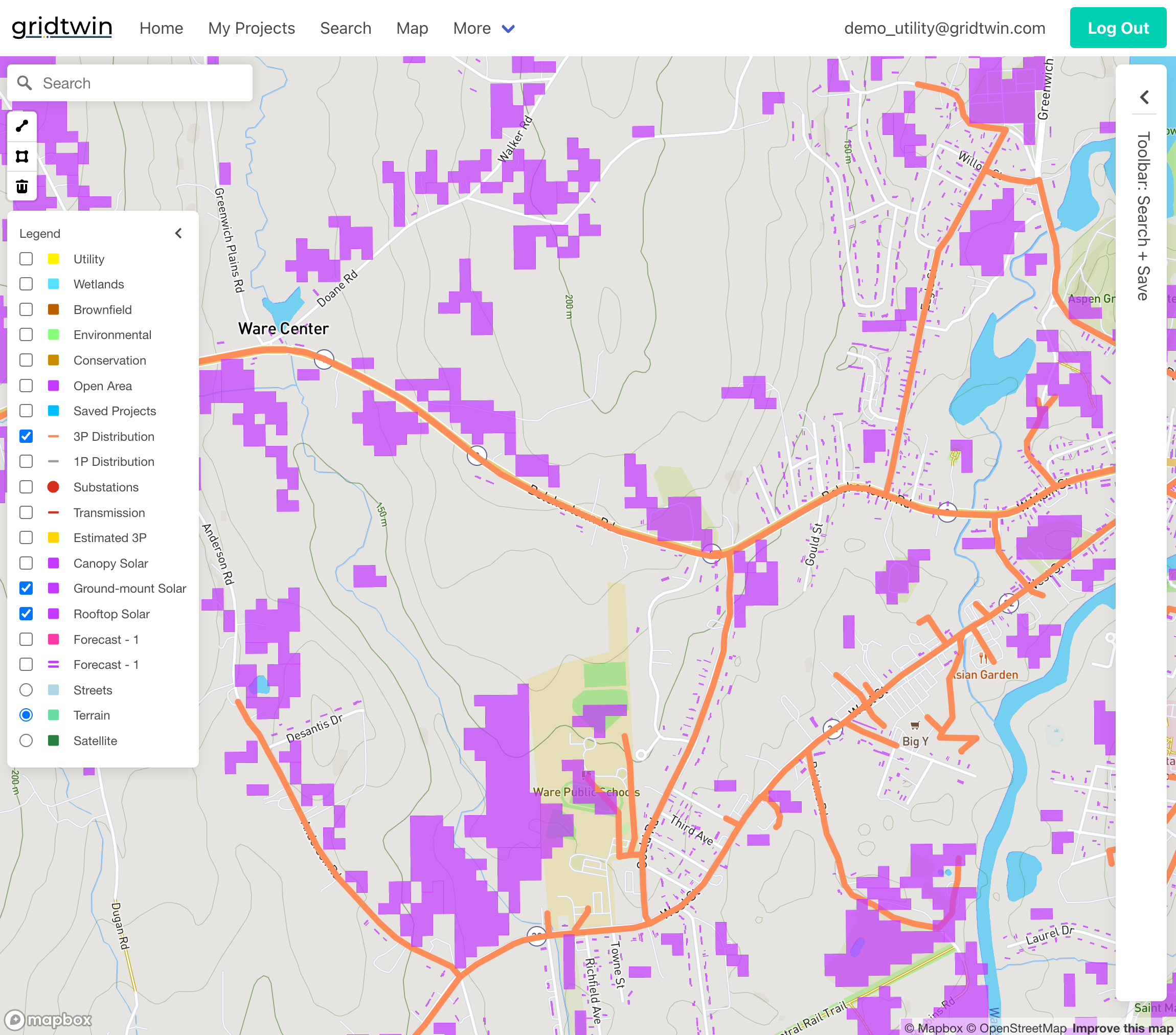
Each potential project is evaluated economically to determine its likelihood of development. Gridtwin automatically calculates the following:
- Determine buildable solar or DER area per parcel
- Estimate project size based on land-use constraints
- Calculate EPC, land lease, O&M, and incentive values
- Estimate interconnection costs using network models
- Compute internal rate of return (IRR) for each project
Steps
- Determine project characteristics and assumptions
- Gridtwin calculates project size, EPC, interconnection, and O&M costs
- Gridtwin calculate IRR for each project
- Full dataset can then be used for forecasting or export
Step 3: Ranking Projects by Viability
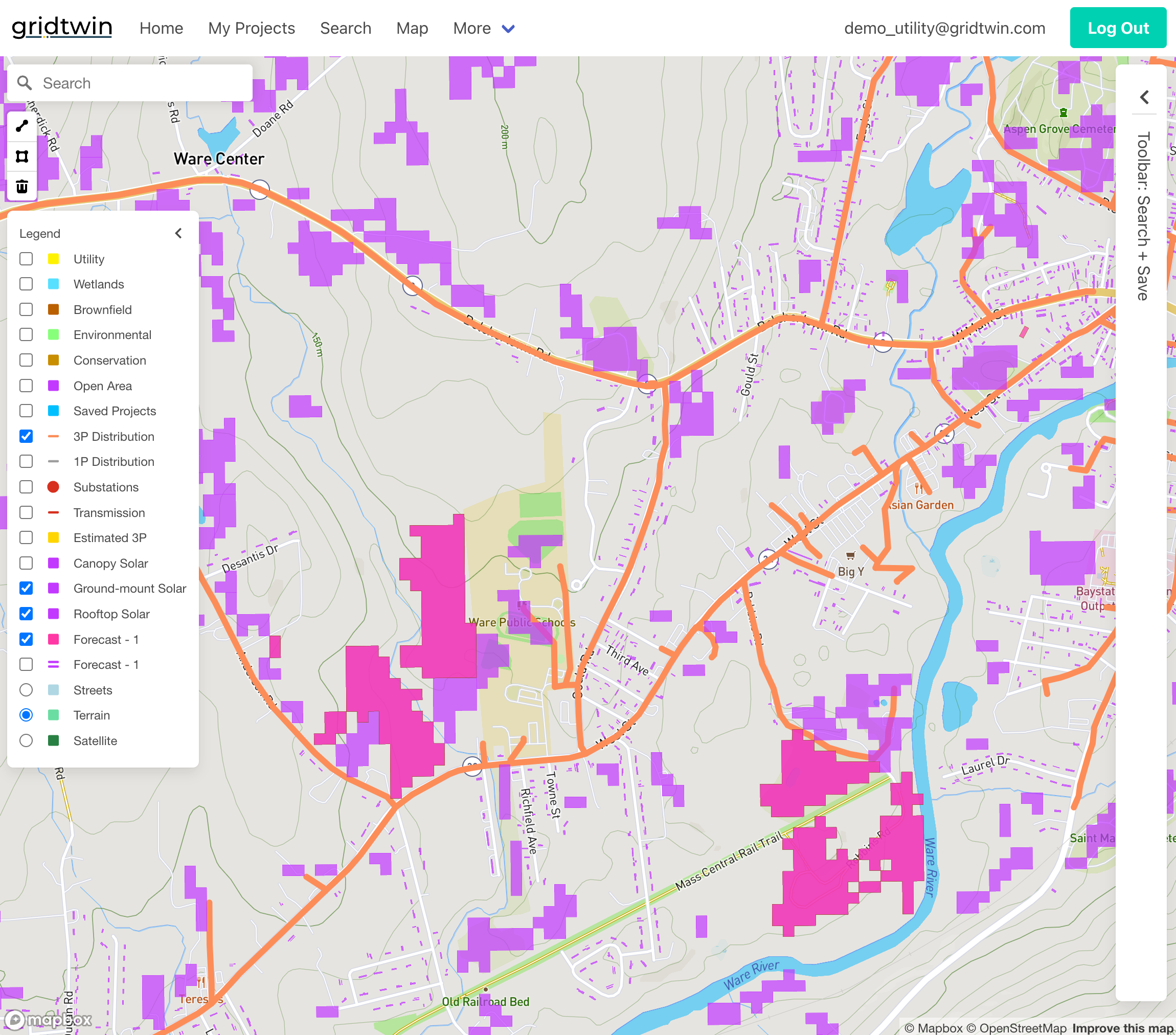
Gridtwin software ranks projects based on economic performance and policy constraints.
- Rank projects by IRR or other economic thresholds
- Apply minimum and maximum project size filters
- Exclude projects that violate policy or environmental rules
- Prepare ranked candidate lists for deployment modeling
Steps
- Choose viability thresholds
- Gridtwin ranks projects by economics
Step 4: Forecast Deployment Over Time
Gridtwin simulates DER deployment year by year while updating grid conditions.
- Apply annual MW deployment targets
- Iteratively attach highest-ranked projects to the network
- Update feeder and substation loading after each attachment
- Recalculate interconnection costs and IRR dynamically
- Continue until annual deployment goals are met
Steps
- Set annual MW targets
- Simulate year-by-year attachments
- Update loading after each step
- Iterate until goals are reached
Modeling Network Constraints
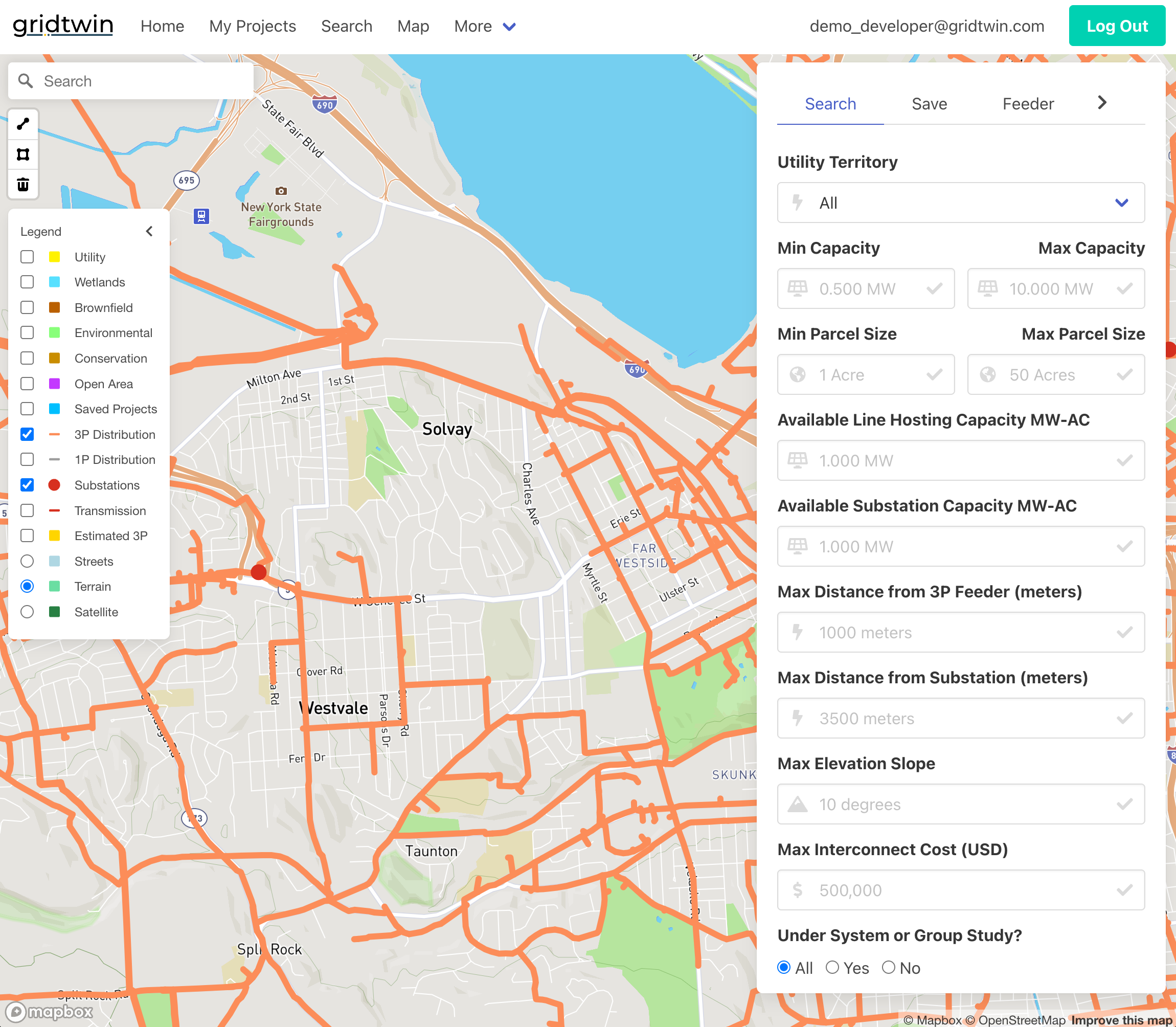
Detailed feeder and substation models ensure forecasts reflect real-world grid limitations.
- Automatic routing of service lines
- Feeder and substation capacity constraints
- Upgrade cost triggers and timelines
- Group interconnection and cumulative impacts
Steps
- Enable network constraint modeling
- Review feeder and substation limits
- Configure upgrade triggers
- Validate sample scenarios
Technologies Covered in Forecasts
Gridtwin forecasting models support multiple DER technologies at appropriate spatial scales.
- Ground-mount solar (parcel-based IRR)
- Commercial rooftop and canopy solar
- Residential rooftop solar propensity models
- Public and residential EV charging
- Energy storage
Steps
- Select technologies in scope
- Confirm spatial resolution needs
- Prepare tech-specific inputs
- Document assumptions and status
Forecast Outputs and Reports
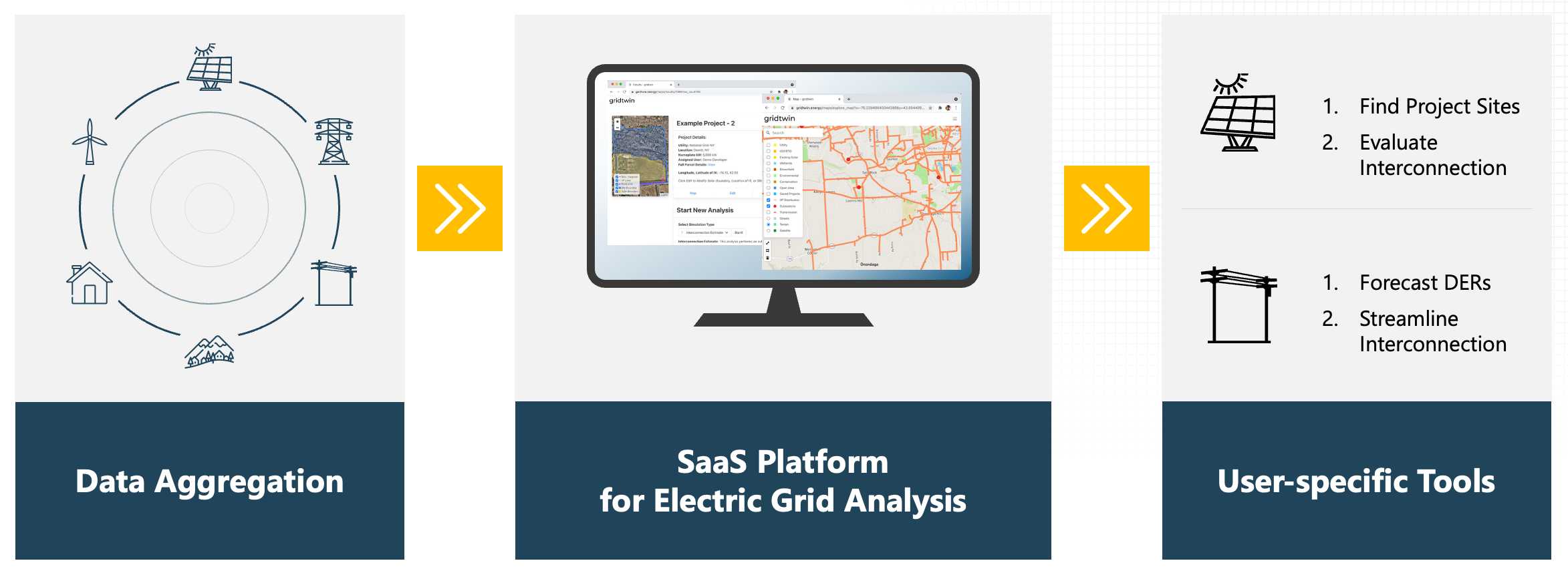
Forecast results are available through maps, reports, and exportable datasets.
- Forecast deployment by year and location
- Expected interconnection upgrade costs
- Custom project databases
- Exportable reports for planning and regulatory use
Steps
- Generate forecast reports
- Review interconnection cost summaries
- Export project databases
- Share results with stakeholders